How to Audit a WordPress Website for SEO, Speed, and Search Visibility
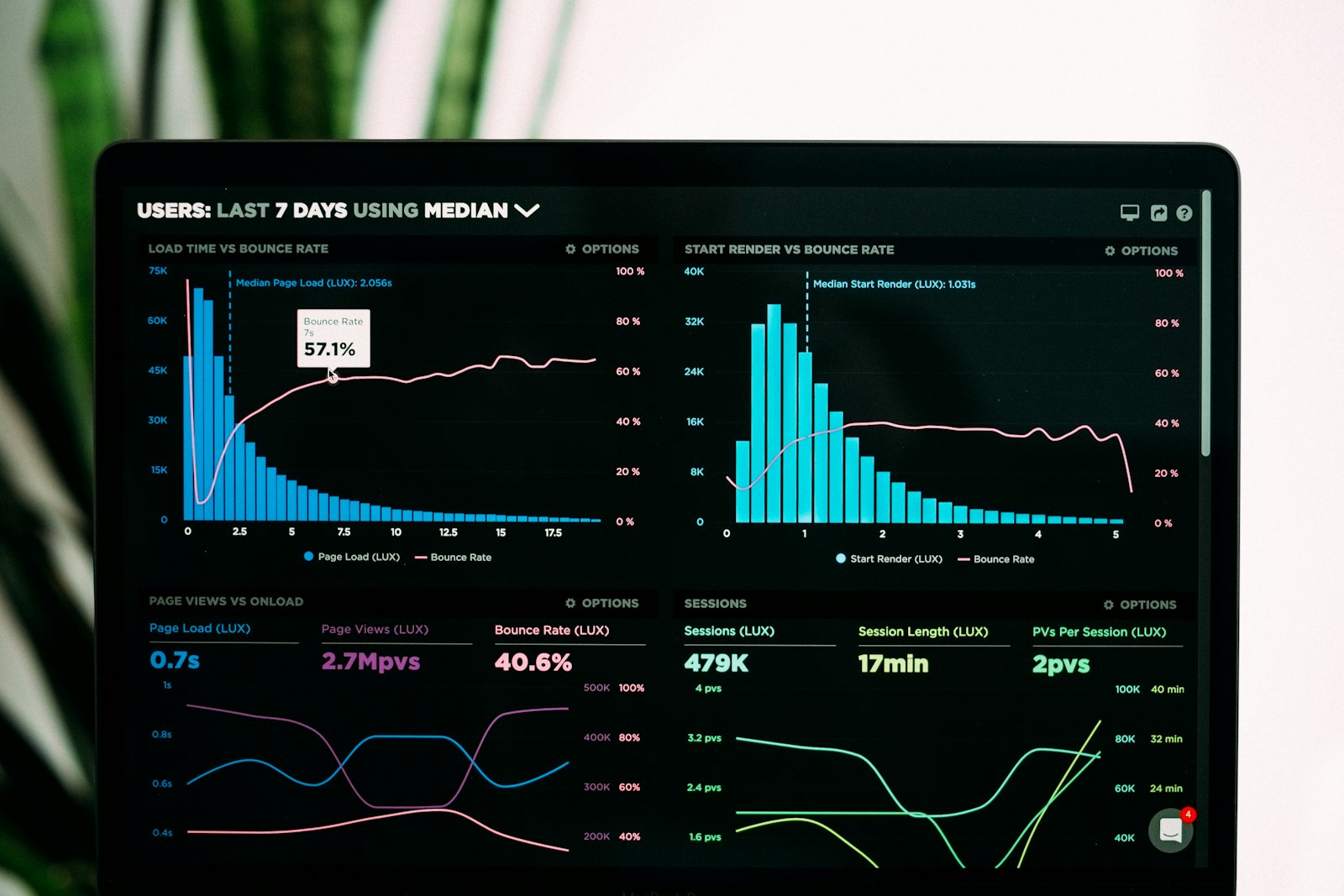
A WordPress audit is not about chasing every suggestion in every tool. It is about checking the parts that affect whether people and search engines can actually find, understand, and use the site. Google’s own Search Central guidance still puts the basics first: make pages easy to crawl, keep content useful and clear, and verify technical health with tools like Search Console. Google’s SEO Starter Guide is still a good baseline.
For a small business site, that usually means reviewing three things together: SEO visibility, page speed, and the quality of the user experience. If one of those is weak, the others usually suffer too.
Why a website audit still matters in 2026
Search changes quickly, but the practical work stays fairly consistent. Pages still need to be indexable, fast enough to use comfortably, and clear enough that visitors understand what the business offers. Google’s newer guidance around generative AI features has not changed that foundation; it has reinforced it. Helpful, specific, well-structured pages still matter.
An audit helps you spot the quiet problems that build up over time: a broken indexation setting, thin title tags, a plugin that adds unnecessary weight, or a homepage that looks fine to humans but gives search engines very little context.
Start with search basics: indexability, crawlability, and content clarity
Before you dig into speed scores, check whether the site can actually be discovered and understood.
- Indexability: confirm important pages are allowed to appear in search. In WordPress, check whether any page is accidentally set to discourage search engines, and review canonical tags if your SEO plugin adds them.
- Crawlability: make sure navigation links are working, XML sitemaps are available, and no important page is buried behind a form or blocked by robots rules.
- Content clarity: each important page should have one clear purpose, a descriptive title, and enough supporting text to explain what the page offers.
A quick sanity check in Search Console goes a long way. If a page is indexed but not getting impressions, the issue may be relevance or clarity rather than a technical block. If it is not indexed at all, start with crawl and index settings before rewriting everything.
For a concise refresher on how Google thinks about this, the SEO Starter Guide and the broader Search Essentials explain the basics plainly.
Check Core Web Vitals and real-world page speed
Speed reports can get theatrical. A site does not need a perfect score to be usable, but it should feel responsive and stable in real life. Google’s Core Web Vitals framework focuses on three practical signals:
- LCP: how quickly the main content appears.
- INP: how responsive the page feels when someone interacts with it.
- CLS: whether the layout jumps around while loading.
Use PageSpeed Insights for a page-by-page view, then compare that with what you actually experience on a phone connection. Tool scores are useful, but the real test is whether a person can read, click, and navigate without waiting for the page to settle.
When speed is poor, look first at the biggest likely causes: oversized images, too many scripts, heavy page builders, font loading, or a theme that does more than the site needs.
Review mobile usability, accessibility, and navigation
Most visitors will meet a site on a small screen first. That means mobile usability is not a side note; it is part of the audit itself.
- Check whether tap targets are large enough and not crowded.
- Make sure text can be read without zooming.
- Confirm menus and buttons work cleanly on a phone.
- Review contrast, focus states, heading order, and image alt text for accessibility.
Google’s own starter guidance leans toward clear structure and useful content, which aligns well with accessibility. Good structure helps both people and search engines.
Look for WordPress-specific issues: plugins, images, caching, and theme bloat
WordPress makes it easy to add features. It also makes it easy to forget how much each feature costs.
| Audit area | What to look for | What to do |
|---|---|---|
| Plugins | Unused, duplicate, or overlapping plugins | Disable and remove anything that does not serve a clear purpose |
| Images | Large uploads and missing alt text | Compress images, use modern formats, and add descriptive alt text |
| Caching | No page cache or slow repeat visits | Enable a reliable caching layer and test after changes |
| Theme bloat | Too many scripts, widgets, or unused sections | Simplify templates and remove features nobody uses |
The WordPress developer handbook on performance optimization is blunt for a reason: reduce unnecessary overhead, optimize images, and use caching well. That advice is still the opposite of glamorous and still the right answer.
If you want a practical example of where performance work starts, the article Website Redesign Checklist: 15 Things to Review Before You Start covers the kind of cleanup that also helps an audit turn into action.
Use Search Console and performance tools to prioritize fixes
Search Console is where theory meets reality. It tells you which pages are getting impressions, which queries are surfacing the site, and whether Google is having trouble indexing or rendering anything important.
Start with these reports:
- Pages / Indexing: look for excluded pages that should be visible.
- Performance: identify pages with impressions but weak click-through, or queries that suggest the page title does not match search intent well enough.
- Core Web Vitals: spot templates that need speed work rather than one-off fixes.
A useful audit does not produce a giant spreadsheet that nobody reads. It produces a short list of problems ranked by impact. Fix the things that affect many pages first: broken indexing rules, slow templates, unstable layouts, and poor navigation.
If you want another practical reference, Google’s Search appearance guidance helps explain why structured, understandable pages tend to perform better in search features and results layouts.
Turn audit findings into a simple 30-day action plan
The point of an audit is not to admire the problems. It is to fix the highest-value ones in a sequence that makes sense.
- Week 1: confirm indexability, fix broken links, and make sure the homepage and key service pages are clear.
- Week 2: review page speed, compress large images, and remove obvious plugin or theme overhead.
- Week 3: improve mobile usability, headings, navigation labels, and accessibility basics.
- Week 4: review Search Console again, note changes, and repeat the checks on the next most important pages.
That sequence keeps the work manageable. It also avoids the common trap of spending a week on tiny tweaks while the site still has a broken title tag, a slow homepage, or a crawl issue on a service page.
A practical takeaway
A good WordPress audit is not exotic. It is disciplined. Check whether the site can be found, whether it loads quickly enough to feel usable, and whether the content makes sense to a human who has never seen the business before. Then use Search Console and page speed tools to decide what to fix first.
If you want help turning the results into a redesign or SEO plan, the next useful steps are usually to review the website design services, the SEO services, or simply start from the homepage and get in touch. For ongoing reading, the blog is the best place to continue.